The Brave browser pop-up blocker can interfere with the Splinterlands website. To disable the AdBlock on Brave Browser, follow these steps:
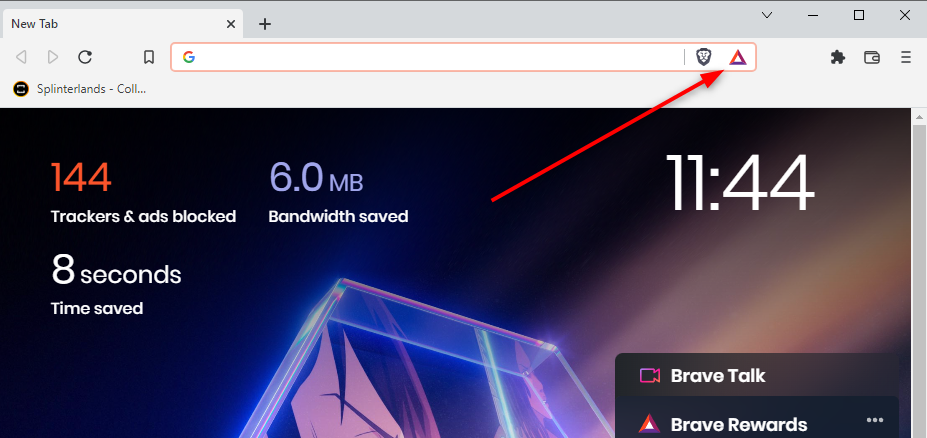
Step 1: In the Brave Browser, click the Brave icon at the top right of the screen.
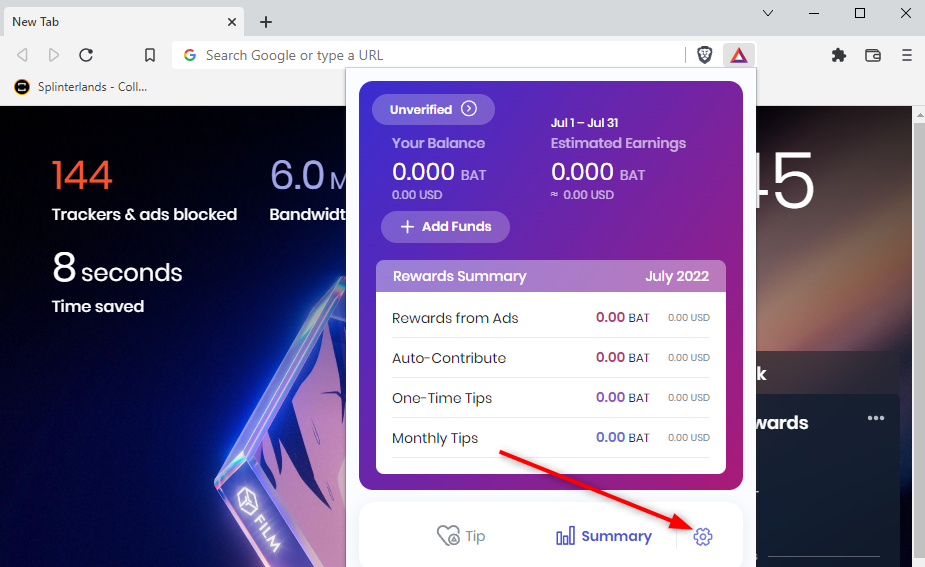
Step 2: Once this is selected, it will show a drop-down menu (pictured above). Click the Cog icon in the bottom left corner.
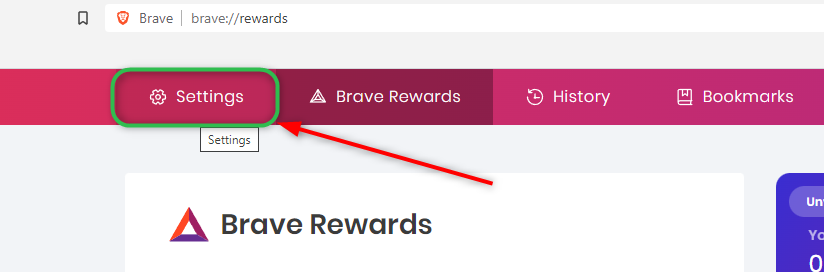
Step 3: Once the brave rewards page opens, click Settings at the top left of the page.
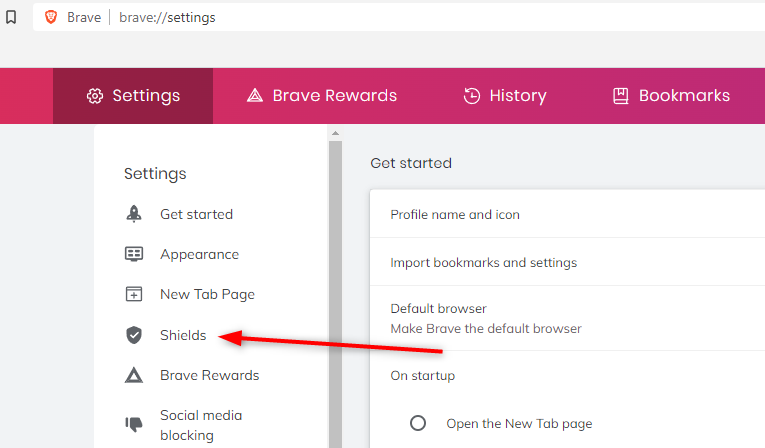
Step 4: After this, you will click Shields.
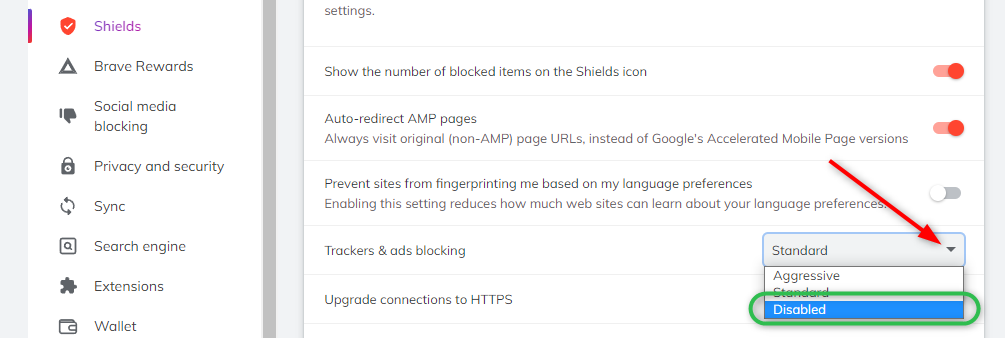
Step 5: Once on this menu, you will change the Trackers & ads blocking drop-down to Disabled.