
To get SPS and DEC from pancake swap via Metamask wallet, you will need a Metamask wallet and the Metamask keychain browser extension. Once that is done, follow the steps below.
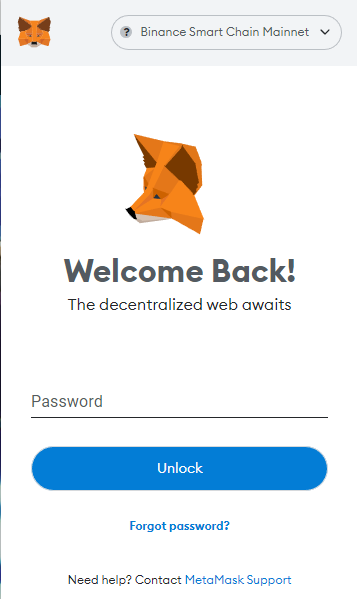
Step 1: Open your Metamask wallet via the puzzle piece icon:  in the top right of your browser.
Note: Some browsers/versions may look different
Step 2: Log in to the Metamask Browser extension.
Step 3: Go to the Pancake Swap website.
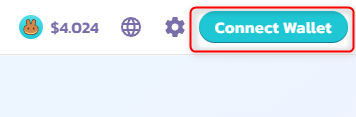
Step 4: Connect your wallet to pancake swap by clicking the connect wallet button.

Step 5: Click "Trade" under swap at the top left of the screen.
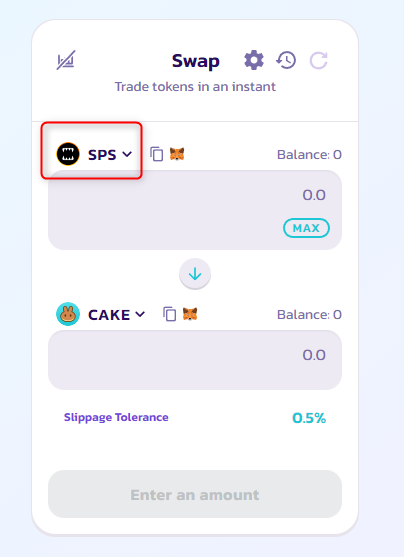
Step 6: Once on this screen, you will need to select DEC or SPS in the drop-down list and also select the corresponding crypto you want to swap for it.
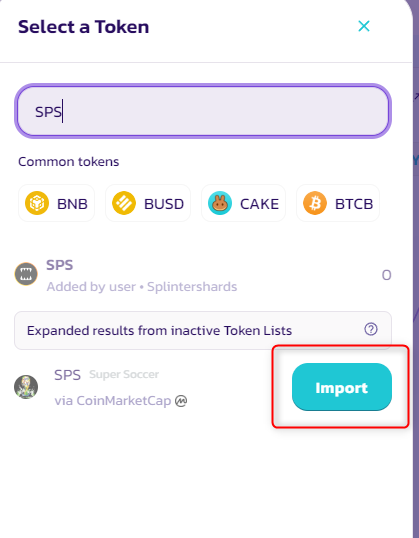
Note: You may have to import the token by clicking the "Import" button. Make sure it's from a trusted source!
Step 7: Check your linked wallet to verify you have received your SPS/DEC.